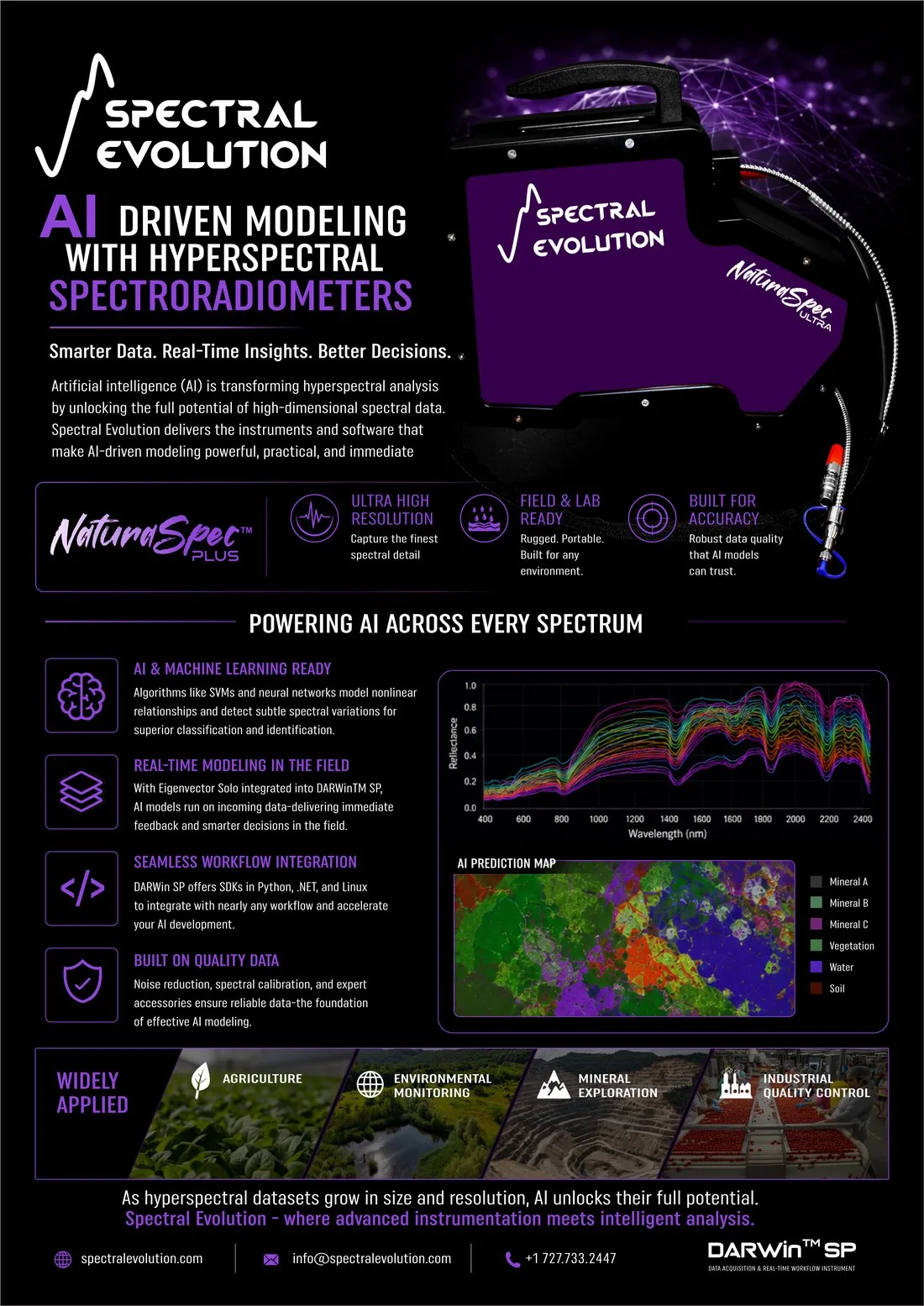
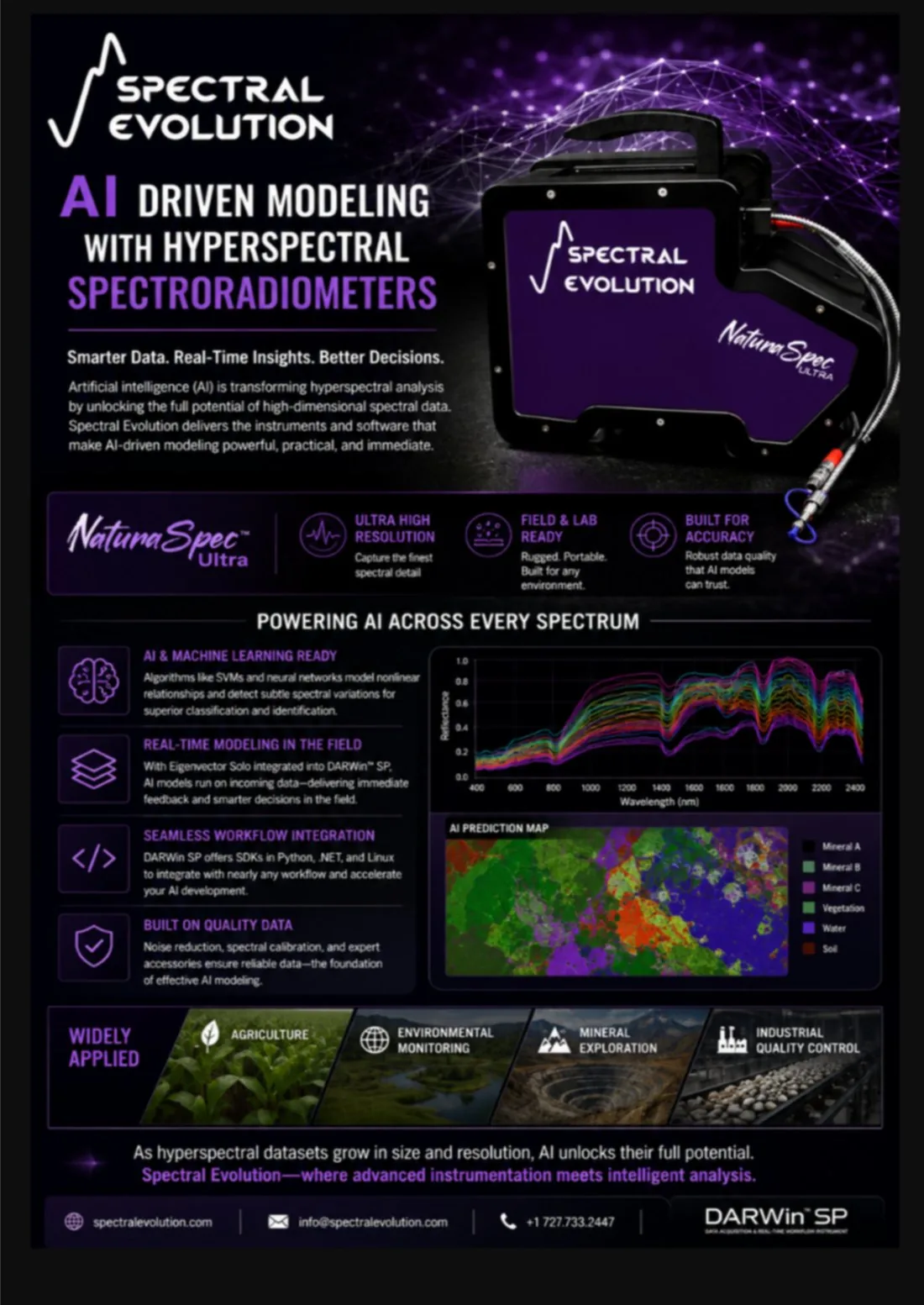
FOR AI-GENERATED DESIGN

Great pixels.
Terrible file.
Fixed by hand.

Midjourney, ChatGPT and Canva AI make images, not print files — and an old JPG logo or a scanned sketch has the same problem. Check what's actually wrong for free, then have a real designer make it print-ready.

✋ Every file is redrawn by hand, never auto-traced  ·  No signup for the free tools

WE DELIVER IN SVG · EPS · AI · PDF · PNG · Canva · Photoshop · Illustrator

SEE THE PROCESS

Made by AI. Rejected by the printer. Fixed by hand.

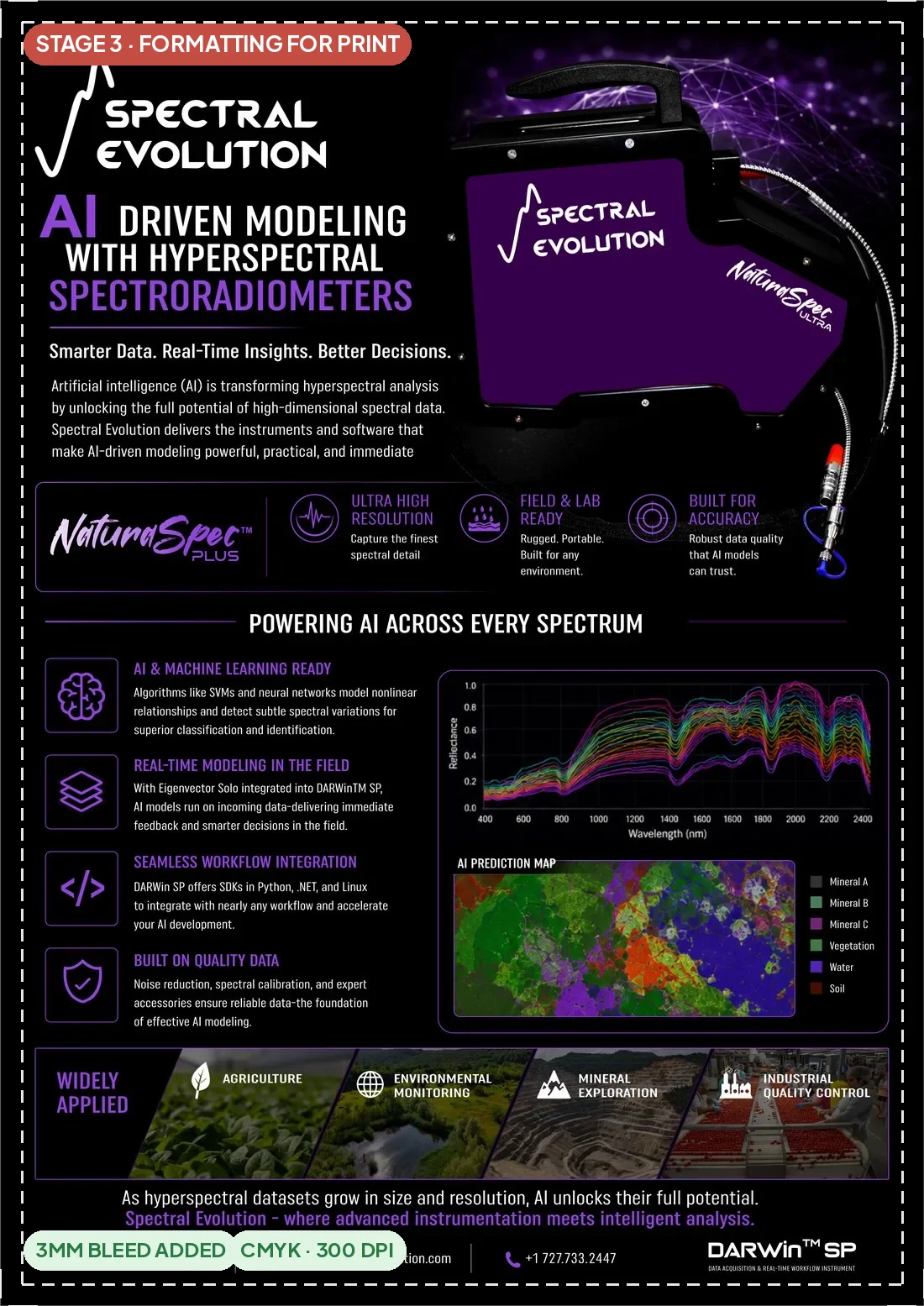
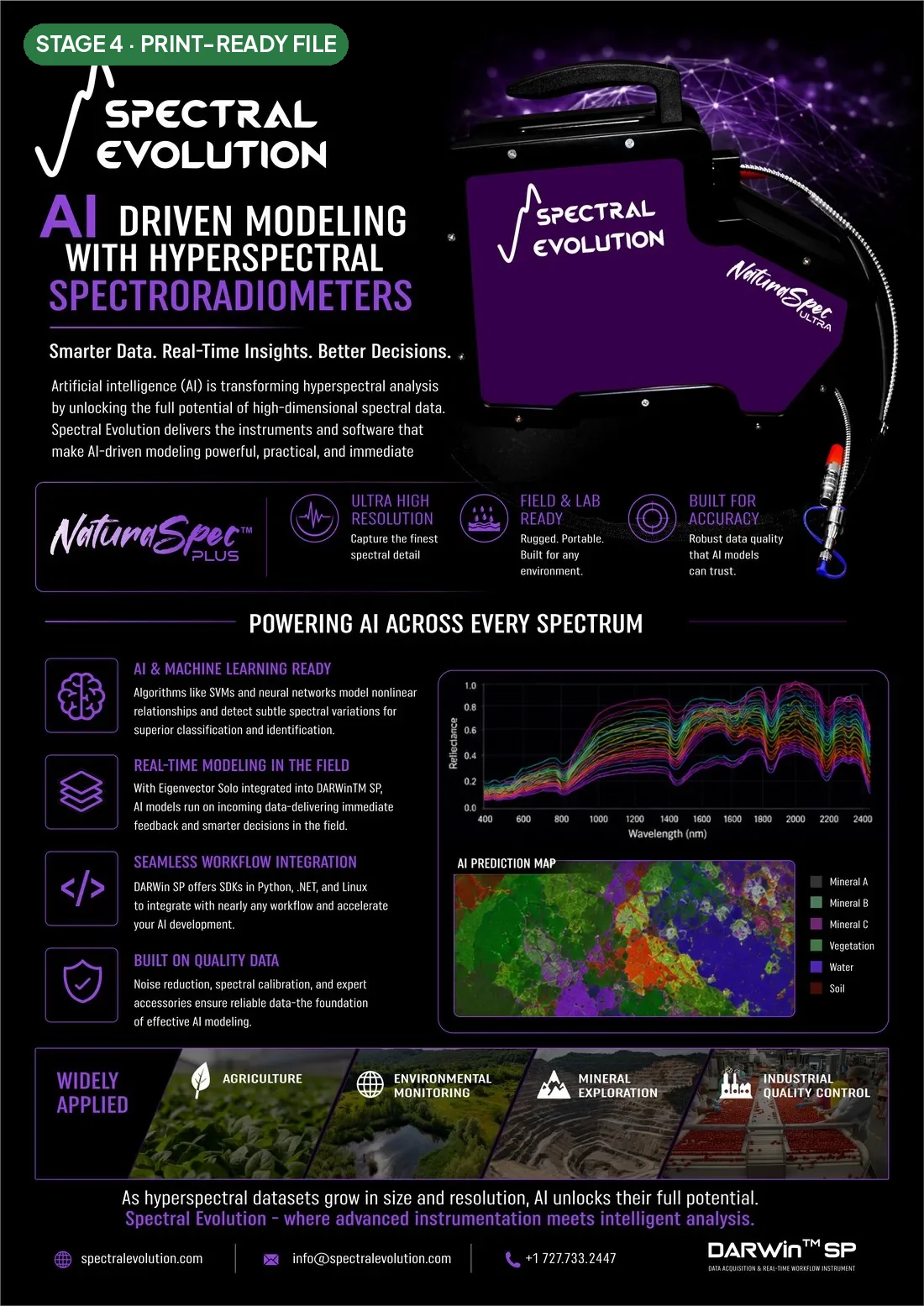
This is one real flyer from our portfolio, walked through the four stages every file goes through here. Drag the panel, or tap a stage, to move through it yourself.

Illustrative walkthrough of a real project — see the finished file and others like it in the portfolio.

THE PROBLEM

The file looks finished. It isn't.

AI tools export a flat image that was never built for a press. These are the complaints we hear most, in the words clients actually use — each one fixed by a designer redrawing the file by hand, not an auto-trace tool.

“It's just a PNG.”

No layers, no vector paths, nothing you can hand a printer without it pixelating at size.

“My print shop rejected it.”

Wrong color mode, no bleed, no crop marks. The file was built for a screen, not a plate.

“I lost the original prompt/file.”

All you have left is a JPG. Someone still has to rebuild it from scratch.

REAL WORK, NOT MOCKUPS

Before it was an AI export. After, it's a print-ready file.

Four real projects, redrawn by hand. Nothing here is a template or a stock example.

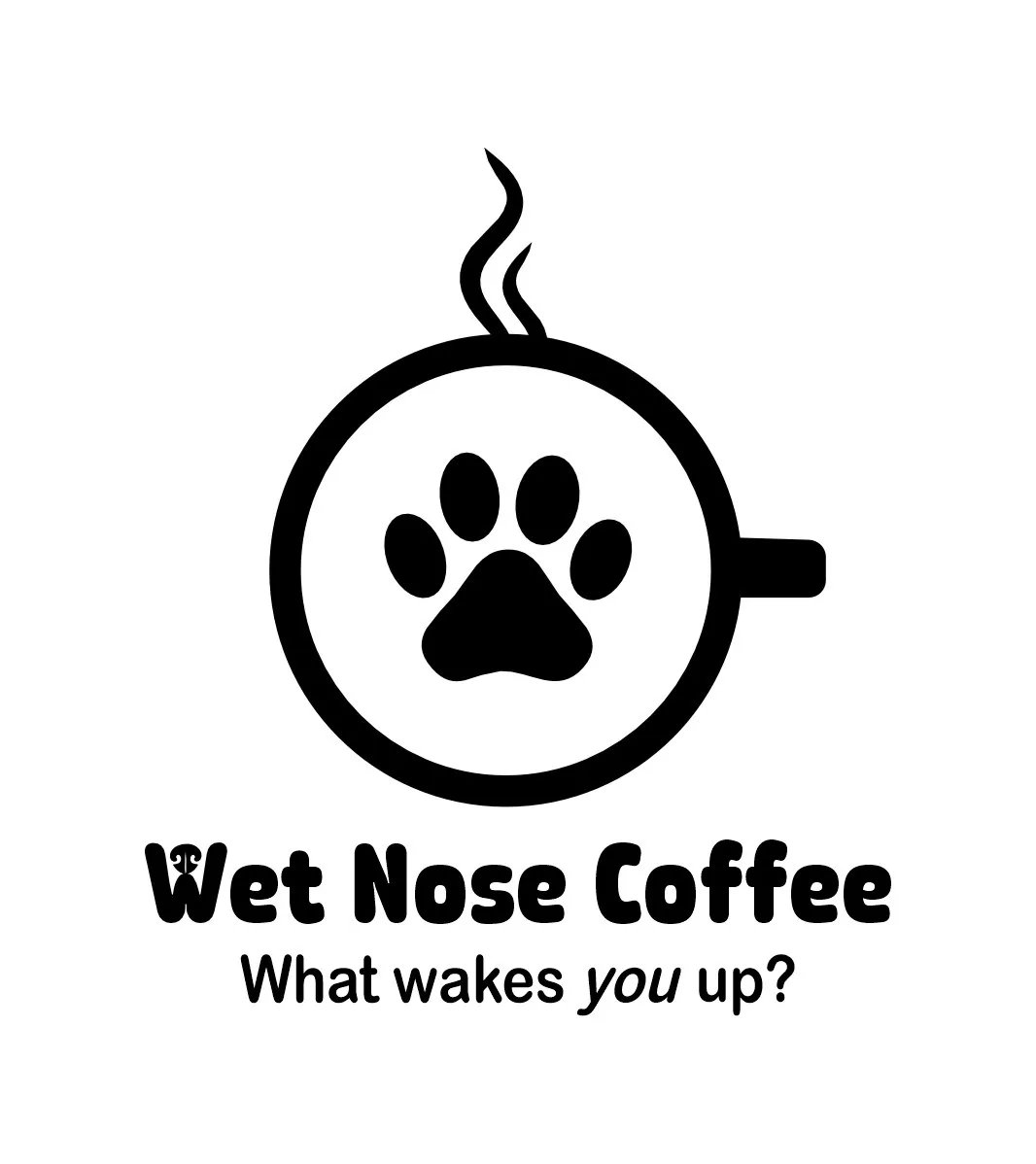
Same logo redrawn as clean scalable vector line art
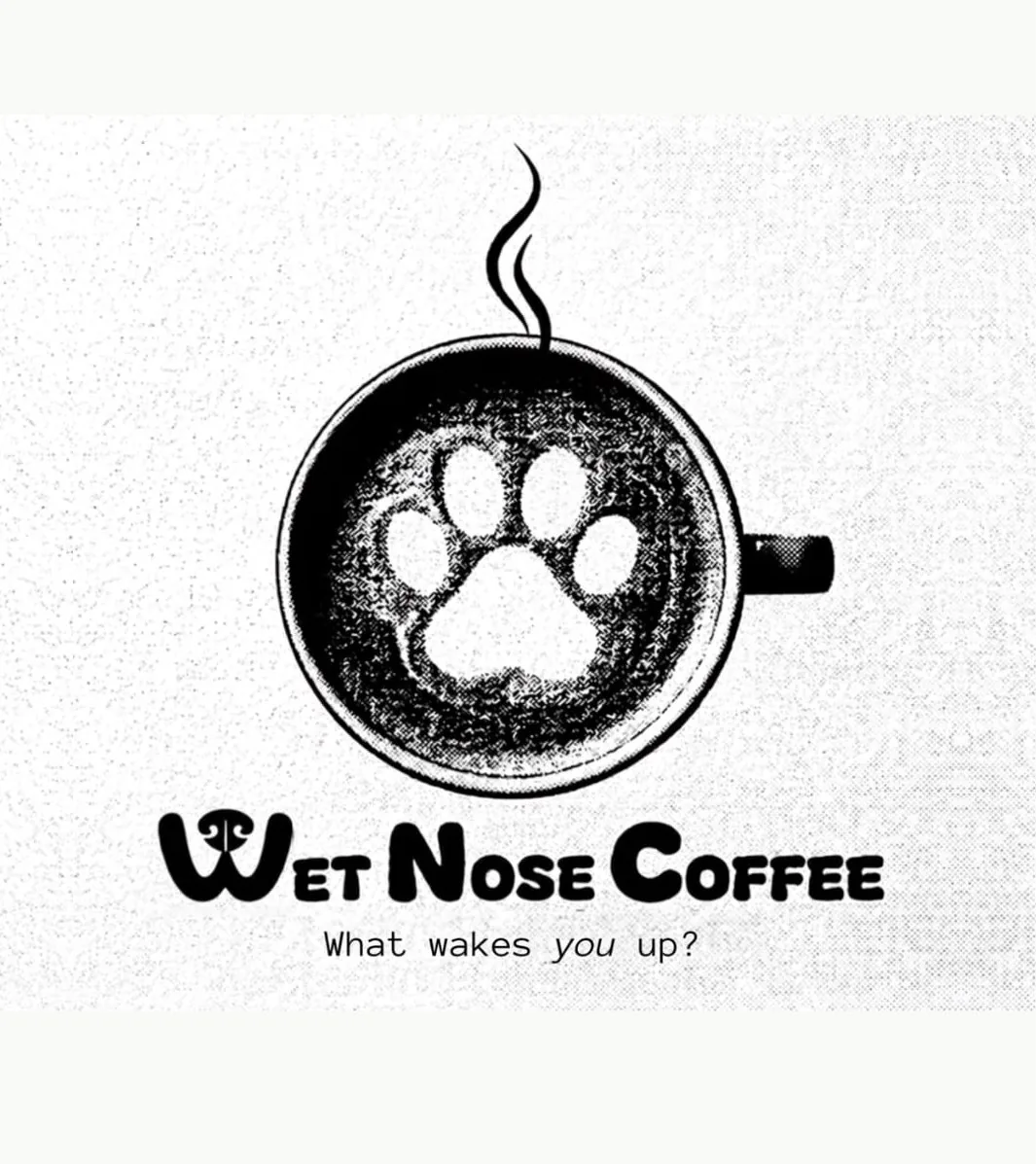
AI-generated coffee shop logo, grainy and dithered, not vector
Before After
AI Logo → Vector

The AI export was a textured, dithered sketch — fine as a screen preview, unusable on a cup sleeve or storefront sign. Redrawn as clean vector paths, it scales from a favicon to a shopfront with zero loss of edge quality.

✓ Delivered to a real client on Upwork
Same flyer rebuilt with sharp vector icons, clean type and a solid background
AI-generated product flyer with soft edges and noisy background
Before After
AI Flyer → Print-Ready

Soft icon edges, compressed text and a noisy gradient background don't hold up at press resolution. Icons and type were rebuilt as sharp vector elements on a clean solid field, ready for offset or digital print.

✓ Delivered to a real client on Upwork

FREE, IN-BROWSER TOOLS

Check it yourself first. It's free and it's accurate.

Ten tools, each doing one job precisely instead of guessing at the rest. Start with the scanner for one combined score, or jump straight to a specific check. Your file never leaves your device.

TWO WAYS TO WORK WITH US

A one-time fix, or a designer on call.

Most AI print-cleanup services only do one-off orders. We built the other option too — a fixed monthly plan for anyone publishing AI content on a schedule.

WHY A REAL DESIGNER, NOT ANOTHER TOOL

The internet already has enough converters.

This is the one thing that separates us from every "AI vectorizer" app: nothing here is automated. A designer looks at your file and rebuilds it, point by point.

100% manual rebuild, never auto-trace

Auto-vectorizers trace pixels and inherit every flaw in the original export. We redraw the geometry and typography by hand, point by point, which is the difference between a clean logo and a jagged one.

Honest tool results

Our free checkers tell you what they can verify and nothing more. No fake "AI confidence score" pretending to know more than the math allows.

You keep the source file

Every project ships with an editable source, not just a locked PDF. It's your brand; you should be able to open it again in five years.

WHO'S BEHIND THIS

One designer. Print work since 1998.

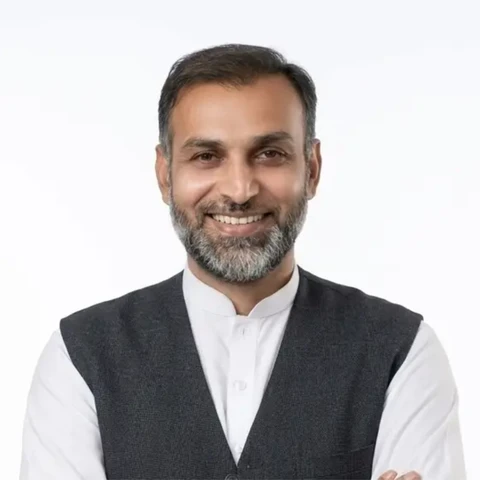
Muhammad Ansar Iqbal, founder and designer at Revectora

MUHAMMAD ANSAR IQBAL — FOUNDER & DESIGNER

Not a routed queue of freelancers — the same hands on every file.

Revectora is run by a single graphic designer with roots in print and layout work going back to 1998, long before "AI-generated" was a category of problem to fix. Every submission is redrawn personally, by hand, not run through an auto-trace tool and not assigned out to whoever's free.

Since 1998 220+ Completed Projects 5.0-Star Client Rating Brochures · Packaging · Branding · Print

REAL CLIENT FEEDBACK

What clients say after the file ships.

Verified reviews from completed projects, quoted as written.

★★★★★

“Fast, professional, and delivered a high-quality Illustrator conversion from my JPG file. Great communication and excellent attention to detail. Highly recommended!”

JPG-to-Illustrator conversion · Verified Upwork client, Jun 2026

★★★★★

“Working with Ansar was fantastic! He was responsive, skilled, and incredibly easy to collaborate with. The final result exceeded my expectations, and the entire process was smooth from start to finish.”

Flyer designed in 2 hours · Verified Upwork client, Mar 2026

★★★★★

“Excellent experience from start to finish. Ansar took the time to understand a fairly detailed and delicate logo, reconstructed it manually as genuine vector artwork, and responded carefully to every revision request. Communication was fast, clear and professional throughout, and the final delivery was complete and well organized. Very good value for the quality of the work. I would gladly recommend Revectora.”

Botanical logo → vector reconstruction · Sotiris Kalogeropoulos, Bloomora, Oct 2026

FAQ

Before you upload anything.

Quick answers on what the free tools actually check, how the one-time and monthly options differ, and what happens to your file once you send it.

Will your free tools actually catch every problem?

No, and we won't pretend otherwise. They check what a browser can measure precisely: pixel dimensions, DPI at a given size, whether a file is vector, and bleed math. They won't catch a warped letterform or a bad trace, which is exactly the kind of thing a print shop rejects and a human designer catches at a glance.

What's the difference between the one-time fix and the monthly plan?

One-time is for a single project you pay for once. The monthly plan is a standing arrangement: you send requests whenever you have new AI content, we work through them one at a time on a fixed turnaround, and you can pause or cancel between billing cycles.

Do I need to know which service I need?

No. Run your file through the free tools first, or just describe the problem on the project form. We'll tell you what it actually needs before any payment is collected.

Is my file private?

The ten free tools process everything locally in your browser; nothing is uploaded to a server. If you submit a project for a quote, your file is only used to complete that project.

How is this different from an auto-trace tool or a cheap AI vectorizer?

Auto-trace tools (including the "vectorize" button inside most AI image generators) outline the pixels of whatever the AI produced, warped letterforms, uneven line weight, and all. They're fast, and they're free, but they reproduce the flaw, not the design. We redraw the artwork by hand in Illustrator, point by point, so letterforms are corrected, lines are consistent, and the file is genuinely editable afterward, not just technically a vector. It takes longer than a one-click trace. That's the trade-off.
Have a file that needs to go to print?

Send it over. We'll tell you exactly what it needs and what that costs before you pay anything.

Get Professional Recreation
Chat on WhatsApp A real person replies personally — never a bot